
Scroll Protector - App Blocker
Stop scrolling. Earn access.
- Health & Fitness
- iOS 17.6+
- 8 languages
Here’s what Scroll Protector does
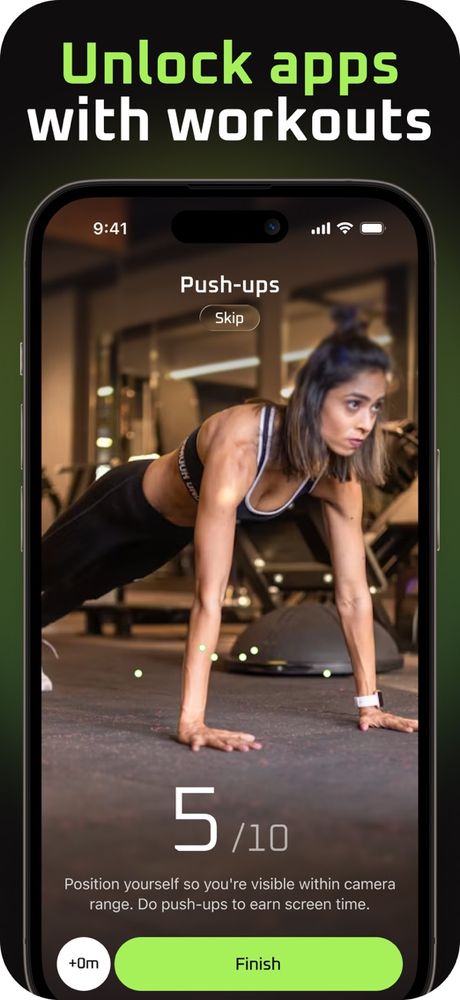
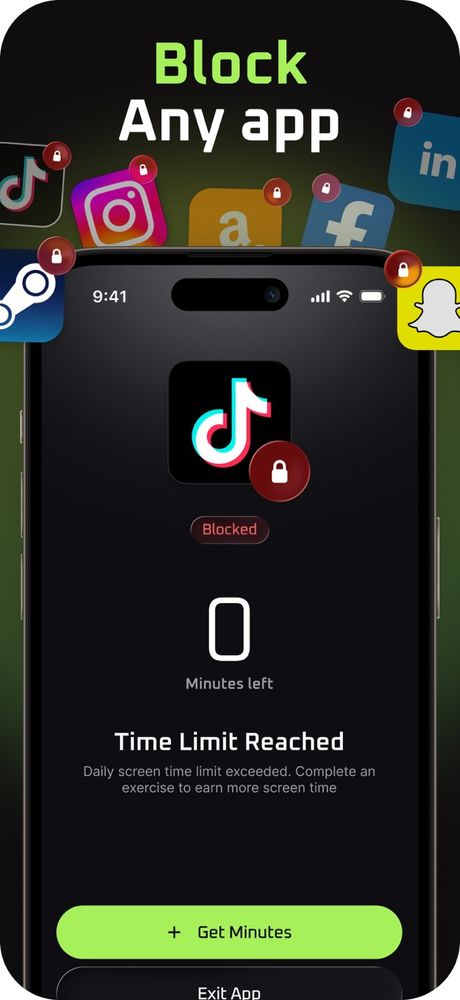
Scroll Protector puts a small, healthy speed bump between you and endless scrolling. Choose the apps that eat up your time, and they stay locked until you move a little: knock out some push-ups or squats, hold a plank or do some ab work, and you earn screen time in return.
The camera follows your moves and counts reps for you, so there’s no tapping your way around it. Earned minutes, results and streaks show how you’re doing, and over time opening those apps turns into something you decide to do instead of a reflex.
- Lock the apps you pick Choose which apps to block using Apple’s Screen Time controls.
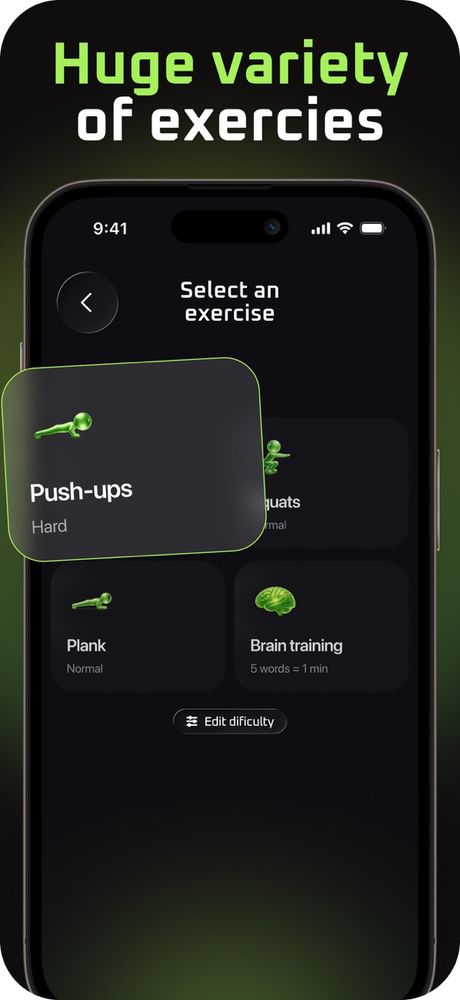
- Move to unlock Push-ups, squats, abs or a plank buy you time in your apps.
- Reps counted for you Stand where the camera can see you and it keeps count.
- Streaks and stats See your earned minutes, your streak and your best days.
Go at your own pace and stop if anything hurts. Have a health condition? Check with your doctor before trying new exercises. Our Medical Disclaimer has more.
Quick facts
- Made by
- GOLARIX LLC doo
- App Store shelf
- Health & Fitness
- Runs on
- iPhone · iOS 17.6 and newer
- Speaks
- English · Spanish · French · German · Italian · Chinese · Japanese · Korean
- Paying
- Optional in-app purchases through your Apple ID
The fine print
Take a look
Stopping or changing your plan
Scroll Protector Premium is an in-app purchase sold through the App Store and billed to your Apple ID. Plans renew on their own until you switch them off. Here’s how:
- Open Settings, tap your name, then Subscriptions.
- Find Scroll Protector in the list.
- Tap Cancel Subscription.
Do it a day or more before your plan renews so you won’t be billed again. Heads-up: removing the app from your phone won’t stop the subscription. Want a refund? That’s Apple’s call, so ask at reportaproblem.apple.com.