
QR Scanner – Scanra
Scan QR & Barcodes
- Utilities
- iOS 17.0+
- 8 languages
Here’s what Scanra does
Scanra is a no-nonsense QR code and barcode reader. Aim your camera at a code and it’s picked up instantly, with no button to press. Got a code in a screenshot or photo? Open it from your library and Scanra reads it from there.
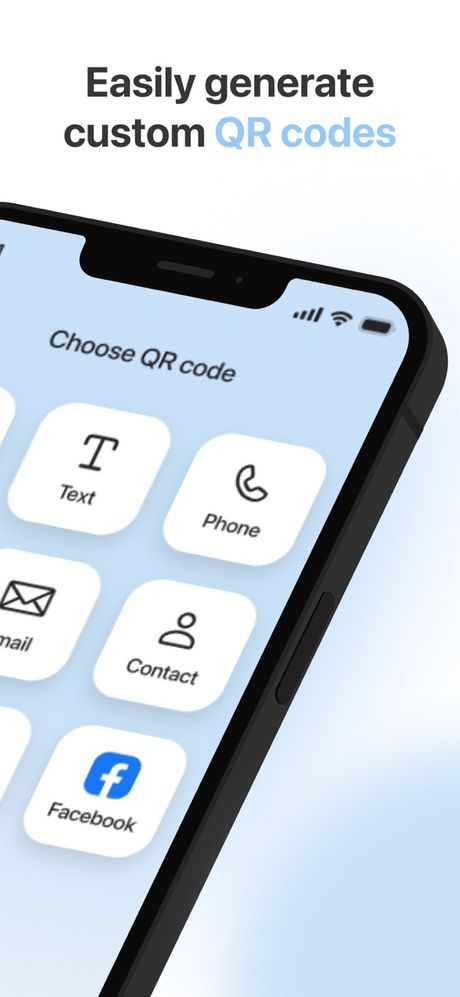
You can make your own codes too, for a link, some text, a phone number, an email, a contact card or a social profile, then play with colors and shapes and share or save them. Everything you scan or create lands in your history, and you can star the ones you use most.
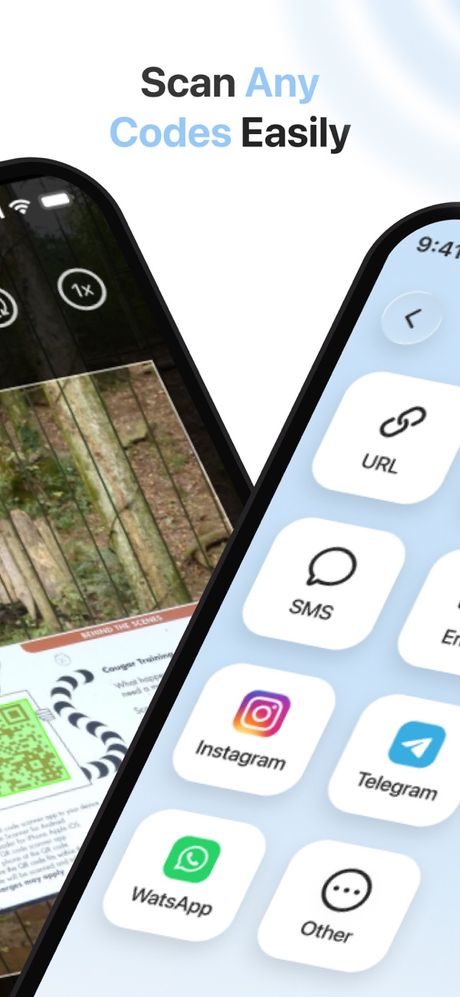
- Instant scanning Hold your camera over a QR code or barcode and it’s read right away.
- Scan from photos Read codes from pictures and screenshots already on your iPhone.
- Make your own Build QR codes for links, text, contacts and more, in your own colors.
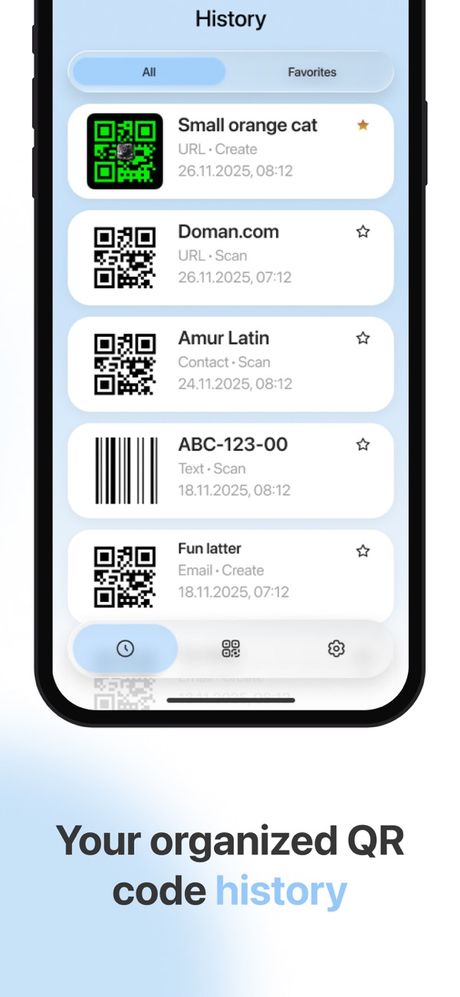
- History and favorites Find every code you’ve scanned or made, and star the ones you need often.
Heads-up: a QR code can point anywhere. If you found one out in public, check that the link looks legit before you open it.
Quick facts
- Made by
- GOLARIX LLC doo
- App Store shelf
- Utilities
- Runs on
- iPhone · iOS 17.0 and newer
- Speaks
- English · Spanish · French · German · Italian · Chinese · Japanese · Korean
- Paying
- Optional in-app purchases through your Apple ID
The fine print
Take a look
Stopping or changing your plan
Scanra Premium is an in-app purchase sold through the App Store and billed to your Apple ID. Plans renew on their own until you switch them off. Here’s how:
- Open Settings, tap your name, then Subscriptions.
- Find Scanra in the list.
- Tap Cancel Subscription.
Do it a day or more before your plan renews so you won’t be billed again. Heads-up: removing the app from your phone won’t stop the subscription. Want a refund? That’s Apple’s call, so ask at reportaproblem.apple.com.